> For the complete documentation index, see [llms.txt](https://primer2.dynamobim.org/llms.txt). Markdown versions of documentation pages are available by appending `.md` to page URLs; this page is available as [Markdown](https://primer2.dynamobim.org/de/dynamo-for-civil-3d/dynamo-player.md).
# Dynamo Player
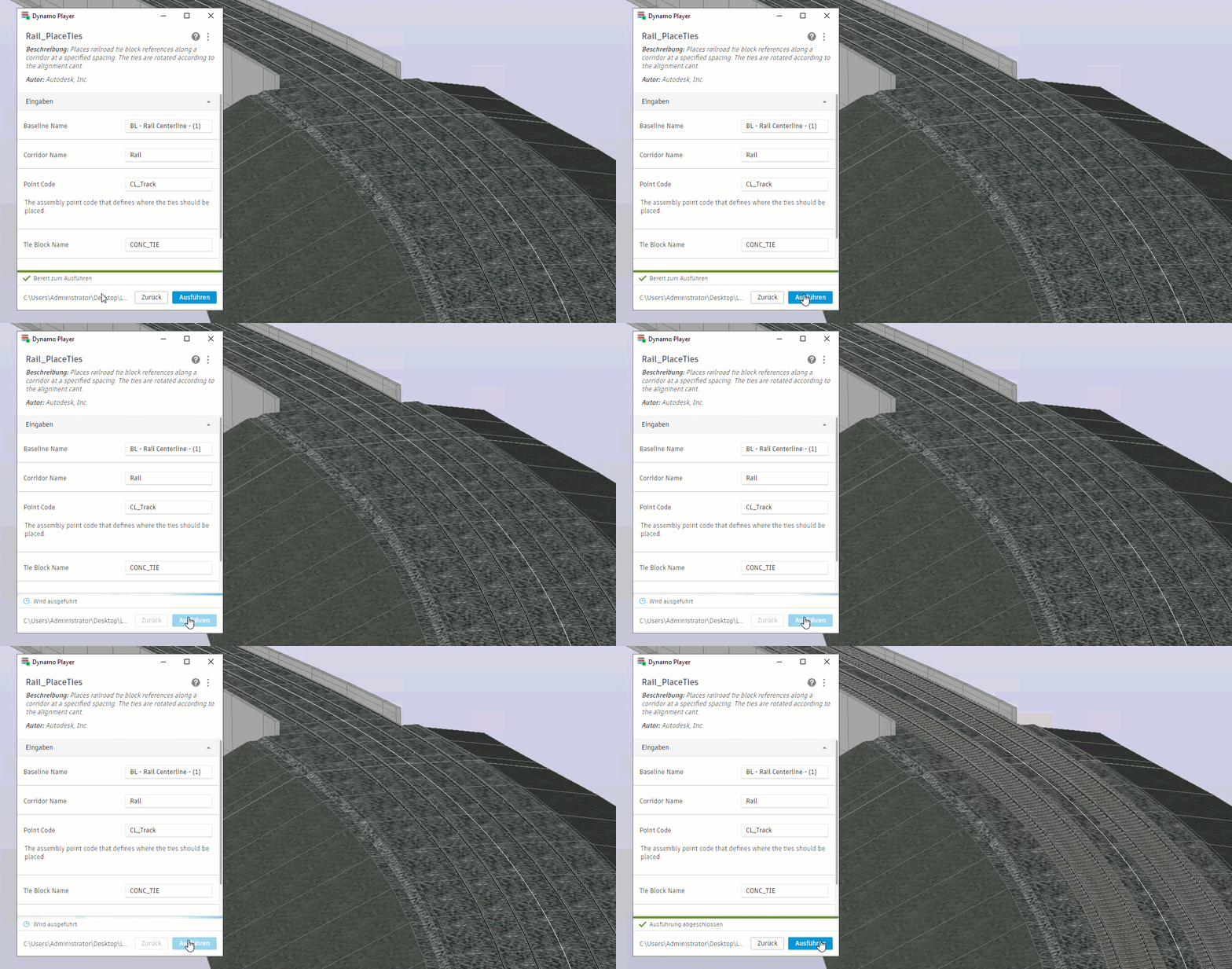
Ausführen eines Diagramms mit Dynamo Player und Anzeigen der Ergebnisse in Civil 3D
**Dynamo Player** bietet eine vereinfachte Methode zum Ausführen von Dynamo-Diagrammen in Civil 3D. Nachdem ein Diagramm erstellt wurde, sind **keine Dynamo-Kenntnisse erforderlich**, um das Diagramm im Player auszuführen. Dies erleichtert die gemeinsame Nutzung von Diagrammen mit anderen Benutzern, die nicht an Details von Blöcken und Drähten interessiert sind.
{% hint style="info" %}
Weitere Informationen zu Dynamo Player in Civil 3D finden Sie in der Dokumentation in der \[Civil 3D-Hilfe]\().
{% endhint %}