> For the complete documentation index, see [llms.txt](https://primer2.dynamobim.org/llms.txt). Markdown versions of documentation pages are available by appending `.md` to page URLs; this page is available as [Markdown](https://primer2.dynamobim.org/zh-tw/dynamo-for-civil-3d/dynamo-player.md).
# Dynamo 播放器
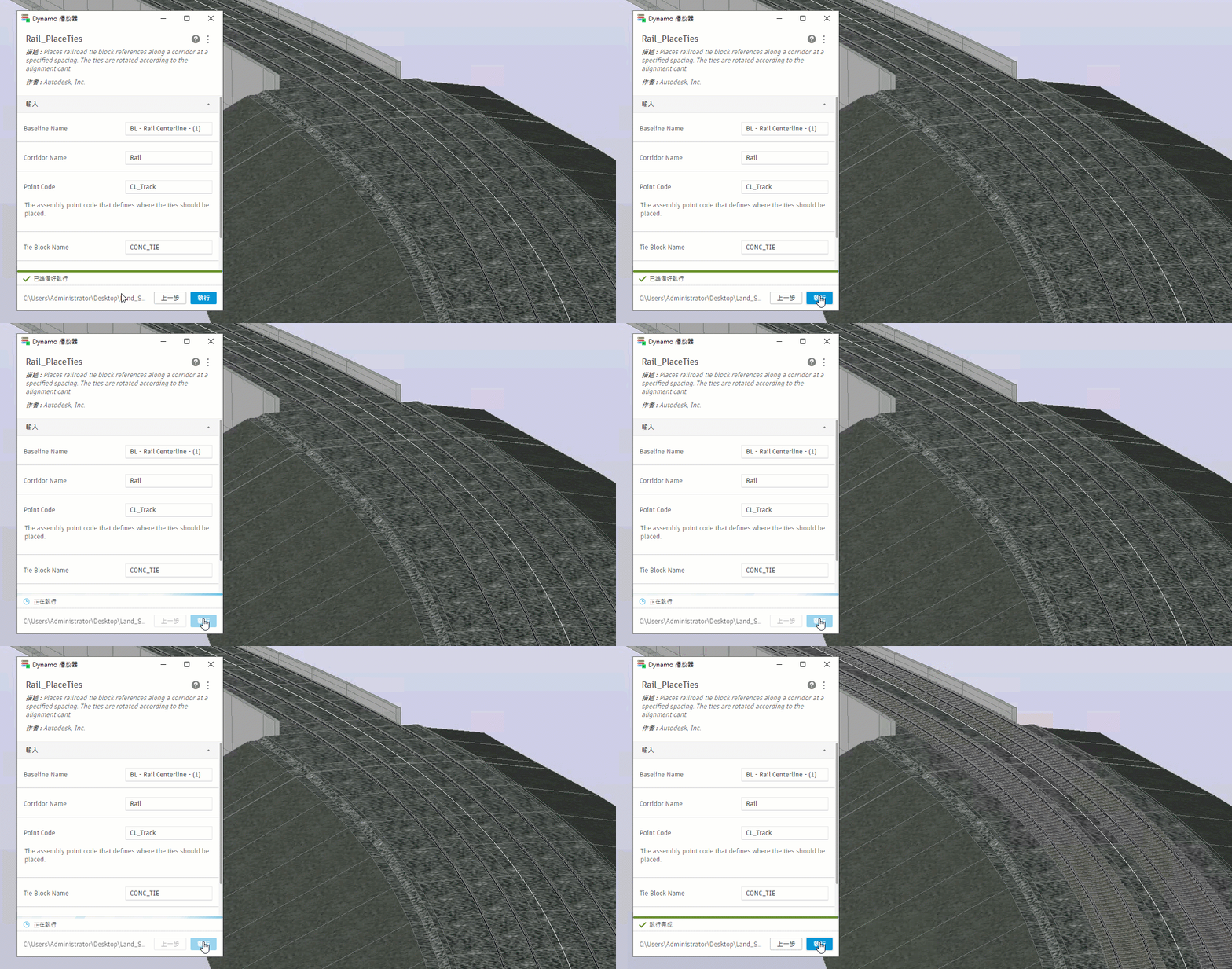
使用 Dynamo 播放器執行圖表,然後在 Civil 3D 中查看結果
**Dynamo 播放器**提供一個在 Civil 3D 中執行 Dynamo 圖表的簡化方式。建立圖表後,您**不需要任何 Dynamo 專業知識**就可以使用播放器並執行圖表。您可以很輕鬆將圖表分享給對節點和線路的細節不感興趣的其他使用者。
{% hint style="info" %}
如需在 Civil 3D 中使用 Dynamo 播放器的更多資訊,請參閱 \[Civil 3D 說明]\(
{% endhint %}